
Events Feb 5, 2026, 07:00 (UTC+3)
Bittersweet Valentine at the Academy
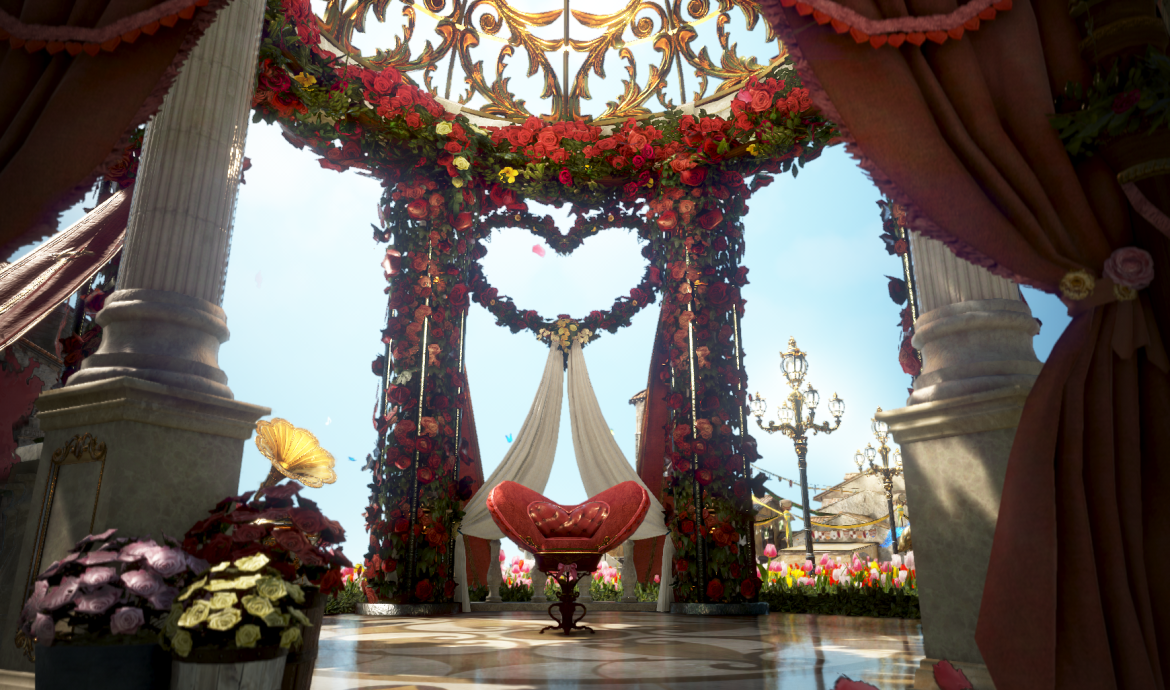
Bittersweet Valentine at the Academy
Feb 5, 2026 (Thu) after maintenance - Feb 19, 2026 (Thu) 23:59 before maintenance
Chocolate scents the air, and romance stirs at the Academy this Valentine’s Day.
As feelings are shared… what will you do?
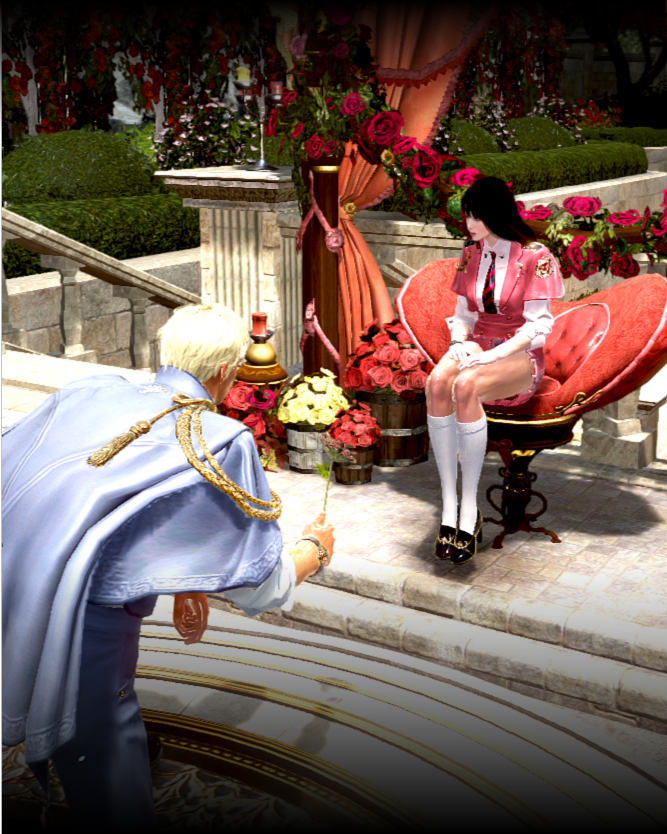
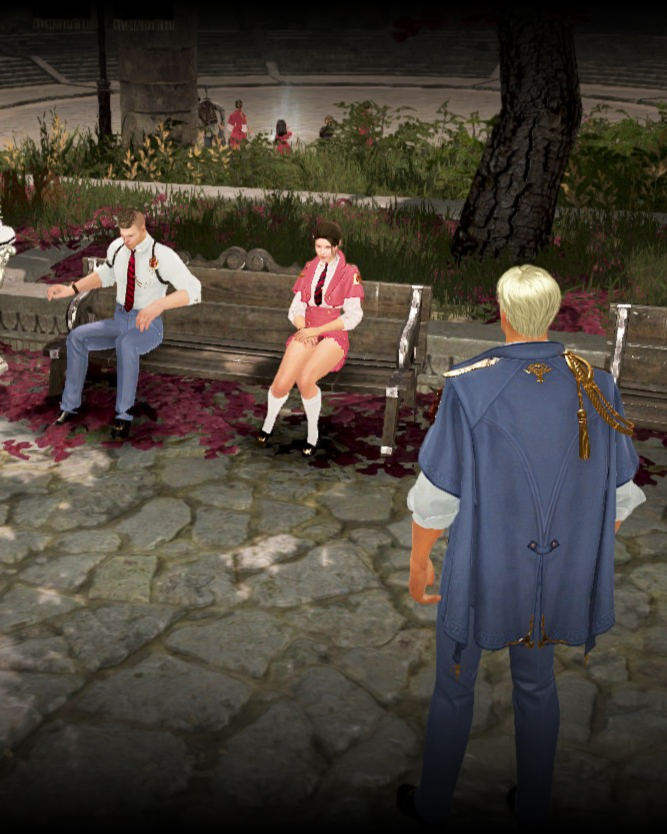
※ Choose one of the two themes above, take a screenshot, and upload it!
All participants will receive a small reward. 💌
A
Sweet Confession, Find That Someone Special

It could be another Adventurer, your Attendant, or even an NPC- anyone you like!
For Valentine's Day, choose someone you want to confess your feelings to.
(Required) Use the "[Event] Confess Your Feelings" Social Action and take a screenshot of your confession.
※ Make sure the flower your character is holding is clearly visible in the screenshot.
(Required) Upload your screenshot to the [Screenshots & Clips] forum with the "[Sweet]" tag.
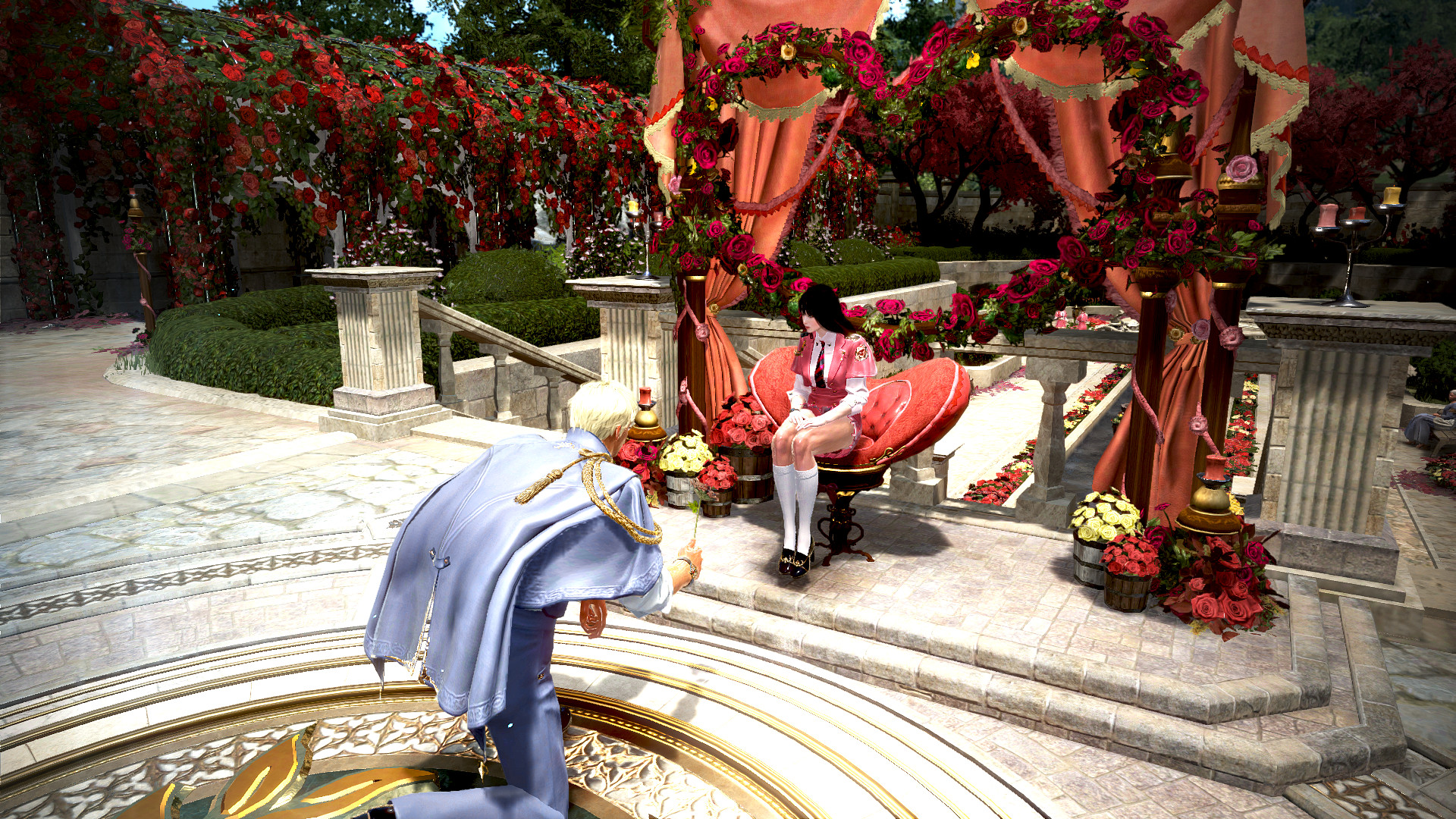
▲ Share your feelings with a flower using "[Event] Confess Your Feelings"
 How do I get "[Event] Confess Your Feelings"?
"[Event] Confess Your Feelings" is a Social Action item.
Complete the Valentine's Day event quests to get it.
[TIP] Register the item to a Quick Slot so you can use it in Screenshot Mode (CTRL + U).
B
Bitter Ending, Become the Academy's Heartbreaker
(Required) Use the [Social Action] Answer is "X" to break up a couple or disrupt a confession, and take a screenshot.
※ Make sure the "X" sign held by your character is clearly visible in the screenshot.
(Required) Upload your screenshot to the [Screenshots & Clips] forum with the "[Bitter]" tag.
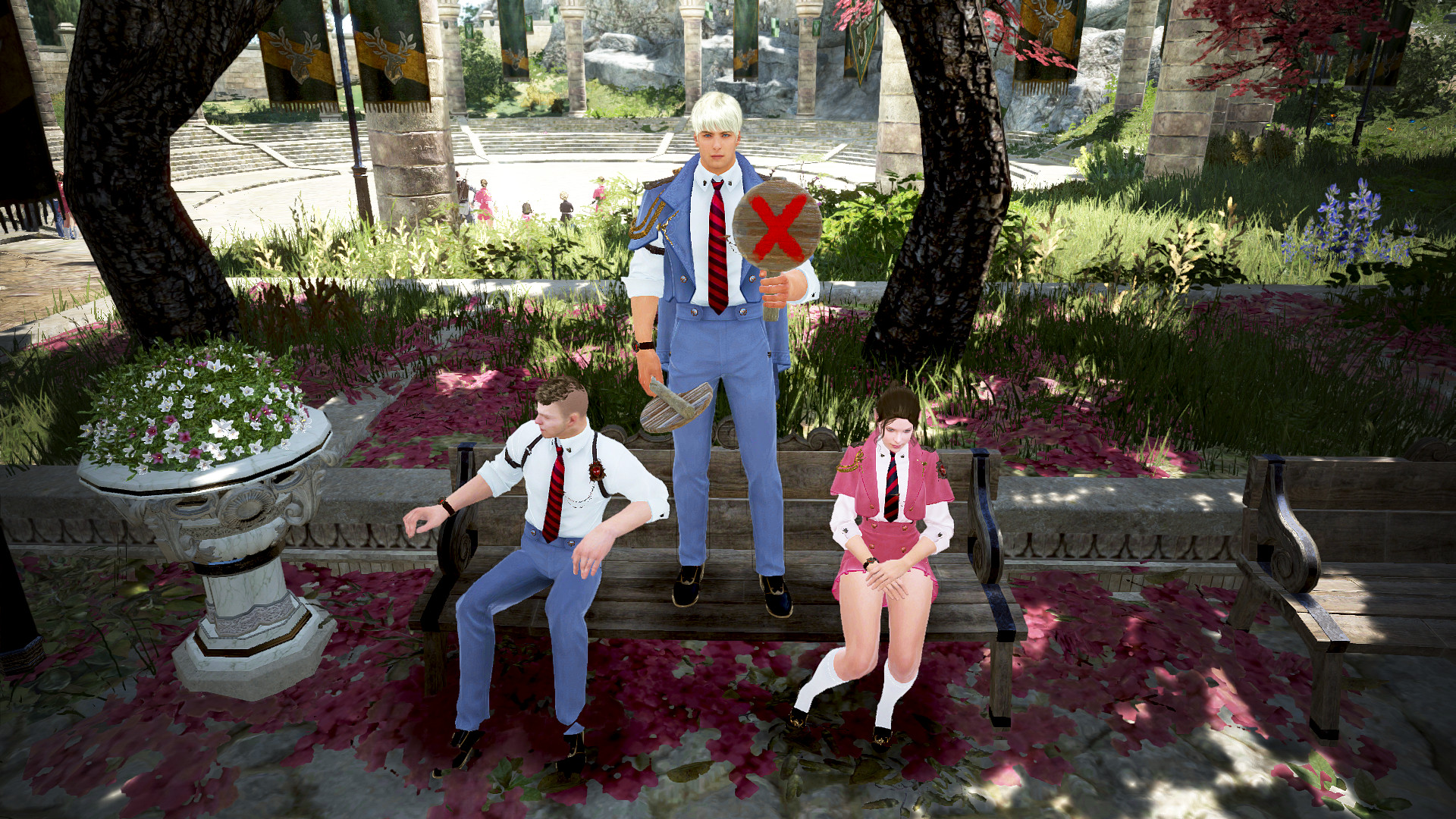
▲ Hold up an “X” sign to ruin a confession
❓How can I use the [Social Action] Answer is “X" in Screenshot Mode?
① In the Social Action UI, select "Character" or "Together" at the top.
② Choose the Answer is "X" Social Action and apply it.
③ Press ENTER to open the chat window, then click the Chat Macro button on the right side.

④ In the Chat Macro UI, set “X” as the keyword for your preferred hotkey slot.

⑤ Now, just press the Chat Macro hotkey in Screenshot Mode to use the Social Action.
A small gift for every Adventurer
who shares a Valentine's Day screenshot💝

[Furniture] L'elisir d'amore

[Event] Signature Sweet Chocolate x2

[Event] Signature Sour Chocolate x2
* [Event] Signature Sweet Chocolate, [Event] Signature Sour Chocolate, and any effects applied to your character will be removed during the Feb 26, 2026 (Thu) maintenance.
Extra Reward
Depending on which theme, [Sweet] or [Bitter], attracts more Adventurers,
extra rewards will be given to those who chose the winning theme!
If more choose [Sweet Confession]
You will receive

Item Collection Increase Scroll x10
If more choose [Bitter Ending]
You will receive

Item Collection Increase Scroll: Advanced x5
* If your post does not meet all required conditions, you may not receive event rewards.
* The event rewards can be claimed once per Family and will be delivered via Mail (B) within two weeks.
* Notes
- Unspecified quantities in rewards default to one item.
- Pearl Abyss reserves the right to use any content submitted for this event, including screenshots and videos, for promotional purposes. These materials may be featured on various platforms, such as our official website and social media channels, without time or location constraints.
- Using copyright-infringing, plagiarized, or other improper methods will result in disqualification; prizes may be canceled and withdrawn even after winners are announced.
- Adventurers who fulfill all participation requirements will receive their rewards through Mail (B).
- Event details and duration are subject to change or cancellation due to unforeseen circumstances. Any changes will be announced on this event page without separate notices.
- Event items may have restrictions on trading, selling, and their usage period (expiration), with varying binding settings per item. Accordingly, they cannot be transferred or restored.
- For details on item binding, refer to the in-game item descriptions.
- Items or rewards, once used, cannot be recovered.
- Participating in the event using inappropriate methods may lead to cancellation, reward repossession, and game access restrictions.
- For any questions or concerns regarding the event, please contact [Support].


Recent Posts
- [Notice] Account Restriction Due to Operation Policy Violation May 15, 2026 (UTC+3)
- [Notice] [Completed] May 15 (Fri) Central Market Maintenance May 15, 2026 (UTC+3)
- [Notice] [Completed] May 15, 2026 (Fri) Partial Server Maintenance May 15, 2026 (UTC+3)
- [Notice] [Known Issues II] May 14, 2026 (UTC+3)